
Where Small Businesses Lose Money (and How AI Helps You Spot It)
Unpaid invoices, unbilled work, old prices and software creep hide in the gaps between your tools. How to find each one, by hand or with AI, and where Binee fits.
On this page
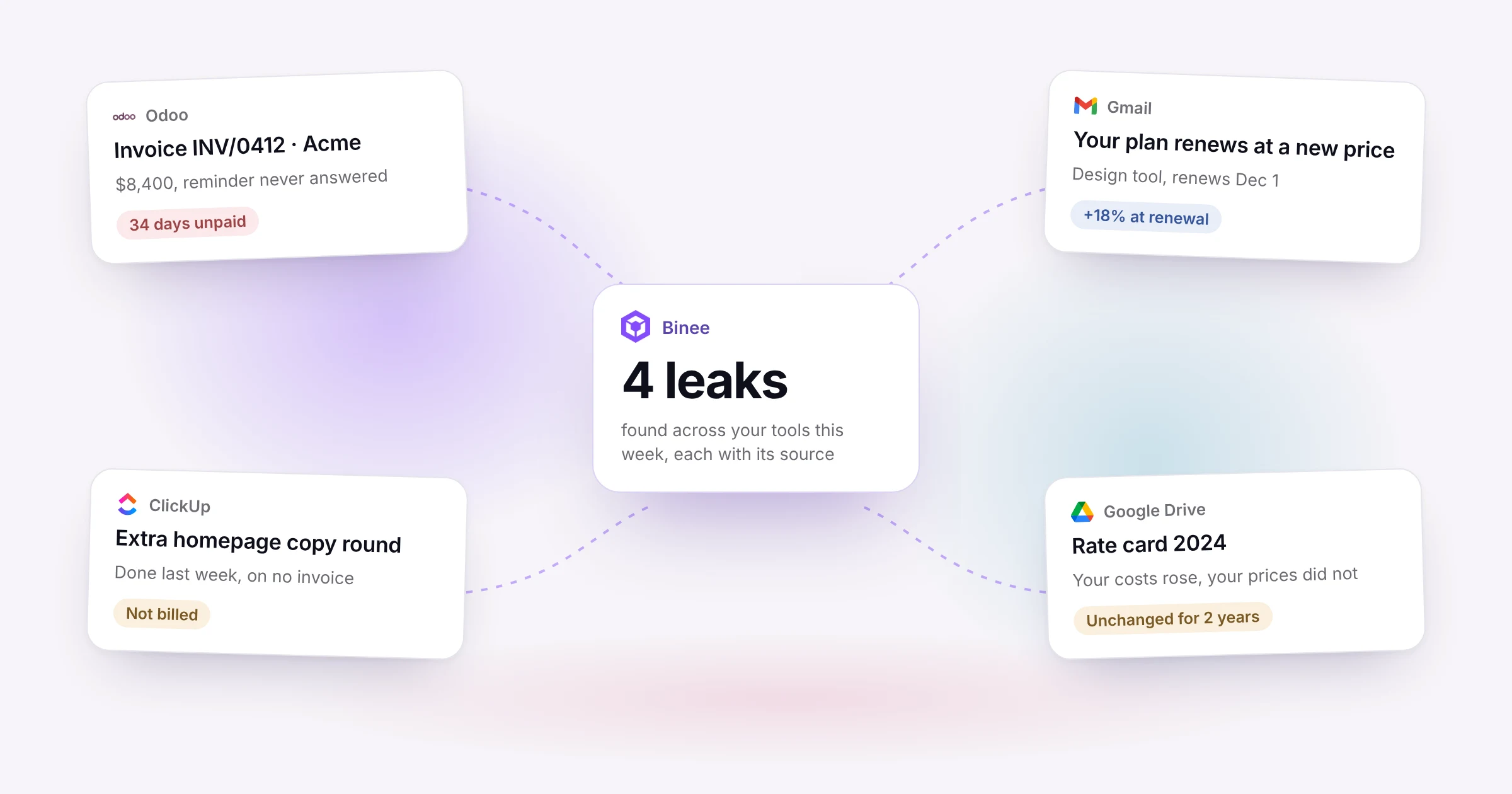
Ask a small business owner where they're losing money and most will say "nowhere I know of," and that's exactly why it keeps happening. The money slips out in small amounts, and every piece of evidence sits in a different tool.
The invoice is in the accounting software. The client's reminder that they never got it is in the inbox. The extra work they asked for is in a Slack thread, a meeting note and a task. The software price increase is in a renewal email nobody opened. No one tool shows the whole picture, so no one sees the leak.
Here are the four places it happens most, why each one is easy to miss, and how to catch it.
| Leak | Where the evidence usually sits |
|---|---|
| Unpaid invoices | Accounting software, invoice and reminder emails |
| Unbilled work | Client emails, Slack, meeting notes, tasks |
| Outdated prices | Accounting reports, time tracking |
| Software creep | Bank and card statements, renewal and receipt emails |
1. Invoices that never get paid
Most of it comes from an invoice sent to the wrong person, missing a purchase order number, with no clear due date or no easy way to pay, and a follow-up that never happens because asking for money feels awkward.
Once a week, export the list of who owes you money from your accounting tool, rank it by how much is owed and how late it is, and send reminders at 1, 7 and 14 days after the due date. Any AI chat can rank the list and draft the reminders in your tone if you give it a few of your sent emails. Add a pay-online link to every invoice.
2. Work that never gets billed
Extra work rarely arrives as a formal request. It's "one more revision" in an email, "quick question" in Slack, a new idea in a meeting, a task someone added on a Friday. Each one is small. Together they add up to days of free work.
This is the hardest leak to see, because the requests are spread across every place your team works. To catch it by hand, you'd collect a month of one client's emails, messages and meeting notes, put them next to the contract, and mark what falls outside it.
This is where having everything in one place changes the job. In Binee, the client's emails, meeting notes from Fireflies or Fathom, ClickUp tasks and recent Slack messages are all within the assistant's reach, so you can ask it: "What did this client ask for this month that isn't in our contract?" and check its answer against the proposal in your Google Drive or OneDrive.
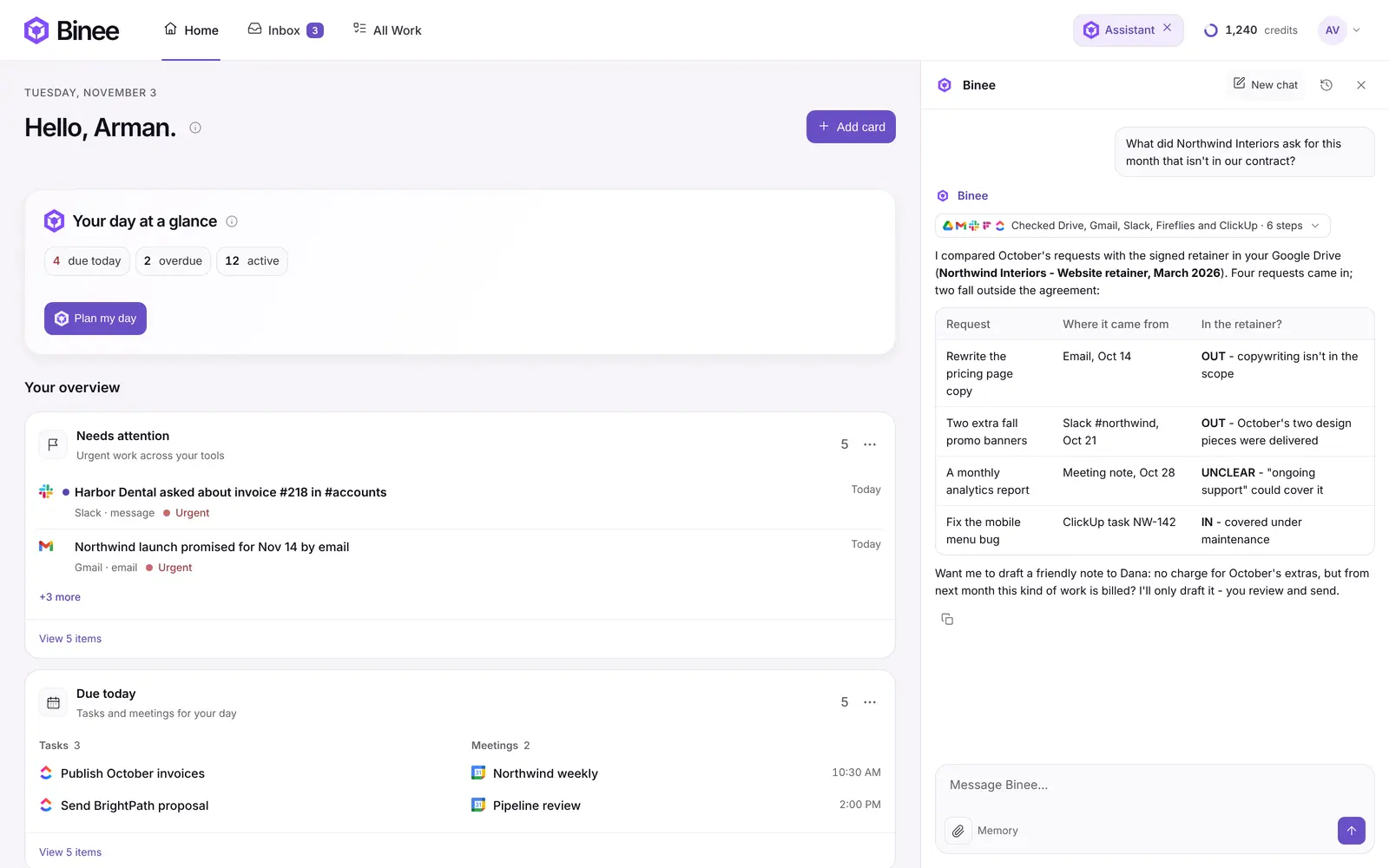
Then add the hours, send a friendly note that extra work is billed from next month, and tighten the scope in your next contract.
3. Prices that fell behind costs
Rising costs are the most common financial challenge for small businesses. Yet many set their prices once and never revisit them, and most never build overhead like rent, insurance, salaries and software into the price.
Take your sales by customer and your profit and loss report for the last 12 months, plus the hours spent on each client. Split your overhead across clients by hours, and look at what each client really pays you per hour. Any AI chat that can work with spreadsheets can do the math. Check the result, then start with the one or two clients at the bottom.
4. Software that quietly gets more expensive
Nobody at your company approved that. Renewals raise prices, trials turn into paid plans, and seats stay active for people who left months ago.
List every recurring charge from 12 months of bank and card statements, compare the seats you pay for with the people on your team, and look for tools that do the same job. Renewal notices and receipts usually land in the inbox, so if your email is in Binee, you can ask the assistant to pull together every software receipt and renewal email from the last year as a starting point.
Why these leaks hide: the information is in too many places
Look at the four leaks again. The evidence for each one is split across your accounting software, your email, your chat, your meeting notes and your task manager. That's why they last for years: checking them means opening five tools and connecting the dots yourself.
That's the problem Binee was built for. It connects to the tools you already use (today that includes Gmail, Outlook, Slack, ClickUp, Google Drive, OneDrive, SharePoint, Fireflies, Fathom and Odoo) and puts your work on one screen, with smart insights on what's going on and an assistant that already knows your work. Instead of collecting the evidence by hand, you ask.
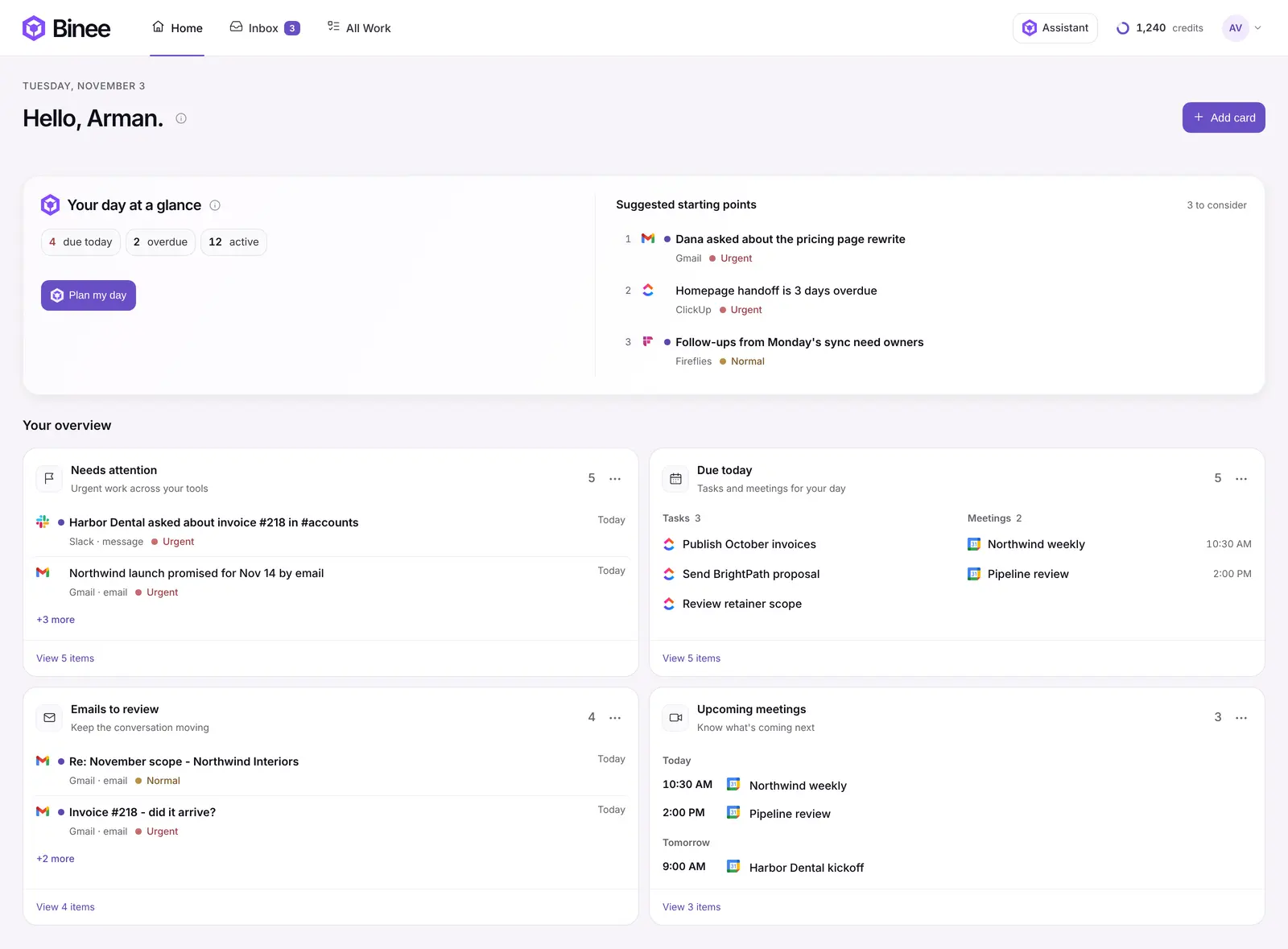
Your accountant and your accounting software stay as they are. Binee makes the things that slip between your tools visible.
Start with one leak this week
Pick the leak that feels most familiar and run the check once. If you'd like a guide, Arman's free AI finance assistant walks you through all four in ChatGPT or Claude, and this video explains each one:
Want your emails, meetings and tasks on one screen, with an assistant that already knows them? Try Binee free for 14 days.
Start your 14-day free trialSources
- QuickBooks, Small Business Late Payments Report 2025
- Ignition, 2025 Agency Pricing and Cash Flow Report
- Federal Reserve, Small Business Credit Survey, 2026 Report on Employer Firms
- Microsoft 365 pricing update, 2026
This article pairs with two others: the step-by-step guide with the exact prompts, on Arman Solves, and the process that stops these leaks from coming back, on the Tecknocity blog.